









A Simple and Complete Guide
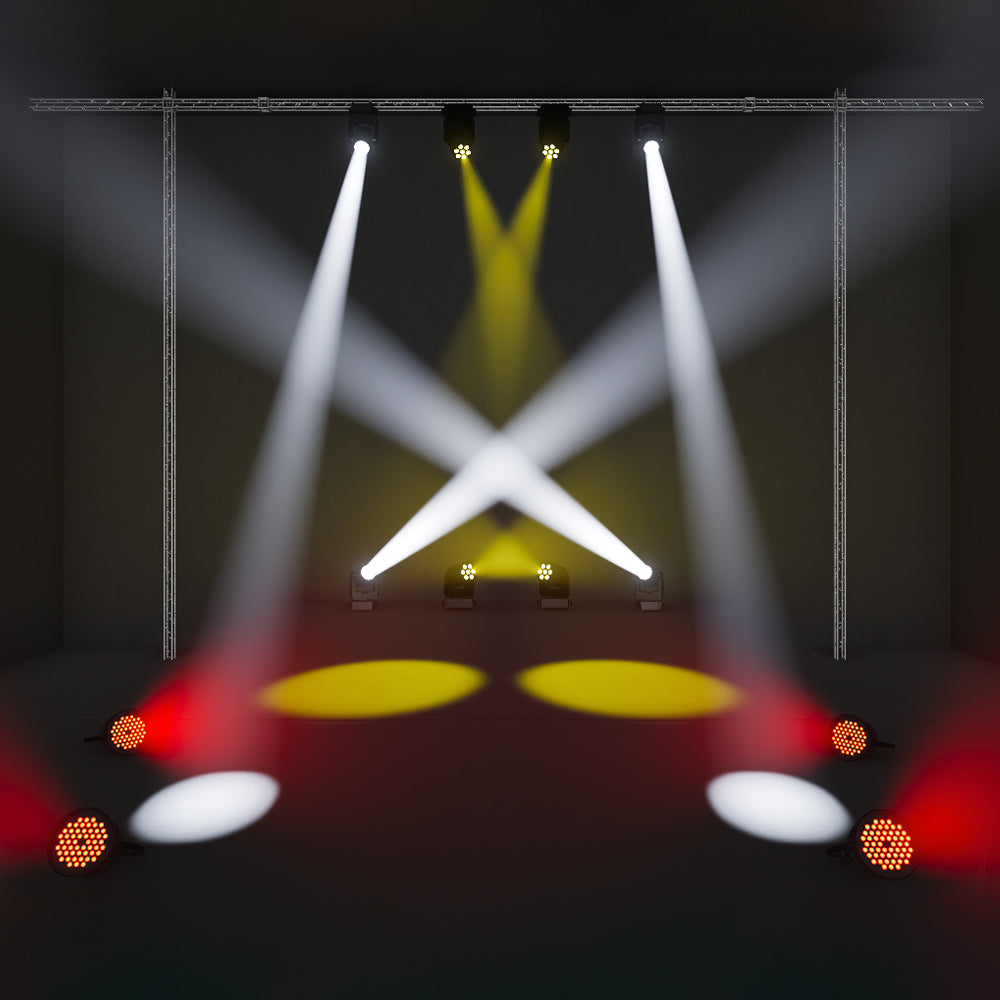
Wireless DMX has become a go-to solution for DJs, event professionals, churches, and mobile productions.
It reduces setup time, eliminates messy cables, and makes lighting rigs more flexible and professional.
But many users still ask:
- Can wireless DMX reliably control multiple fixtures?
- Do I need one receiver per light?
- Why do some setups feel unstable?
This guide walks you through how to control multiple lights with wireless DMX — step by step, using proven, real-world practices.
 How Wireless DMX Controls Multiple Fixtures
Wireless DMX works exactly like wired DMX — the only difference is how the signal travels.
Signal flow:
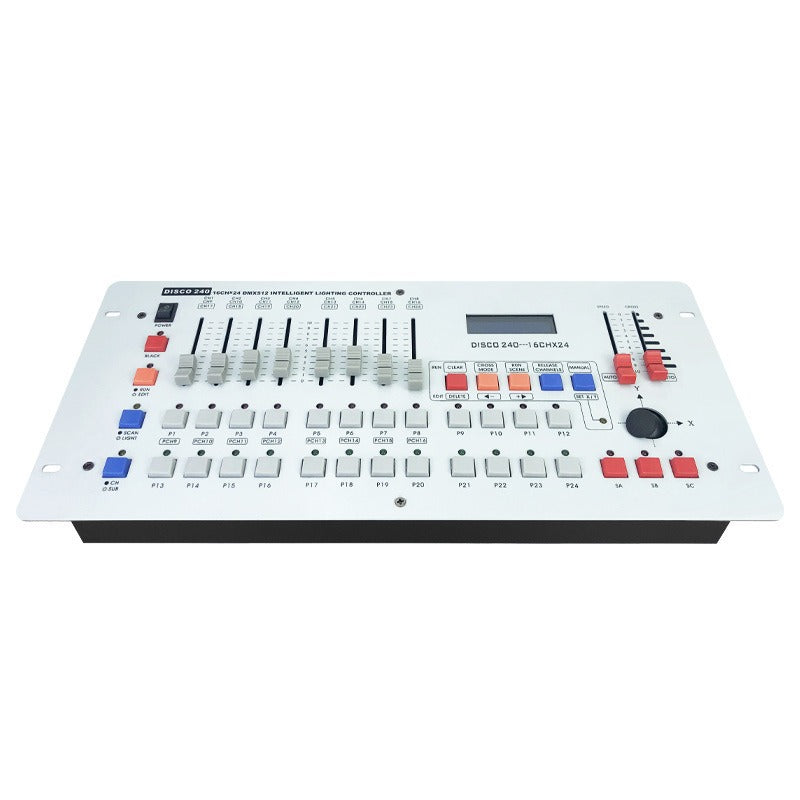
DMX Controller / Software
→ Wireless DMX Transmitter (TX)
→ Wireless DMX Receivers (RX)
→ Fixtures (via DMX addresses)
Key principle:
All fixtures receive the same DMX signal.
Each fixture responds based on its DMX address.
What You Need Before You Start
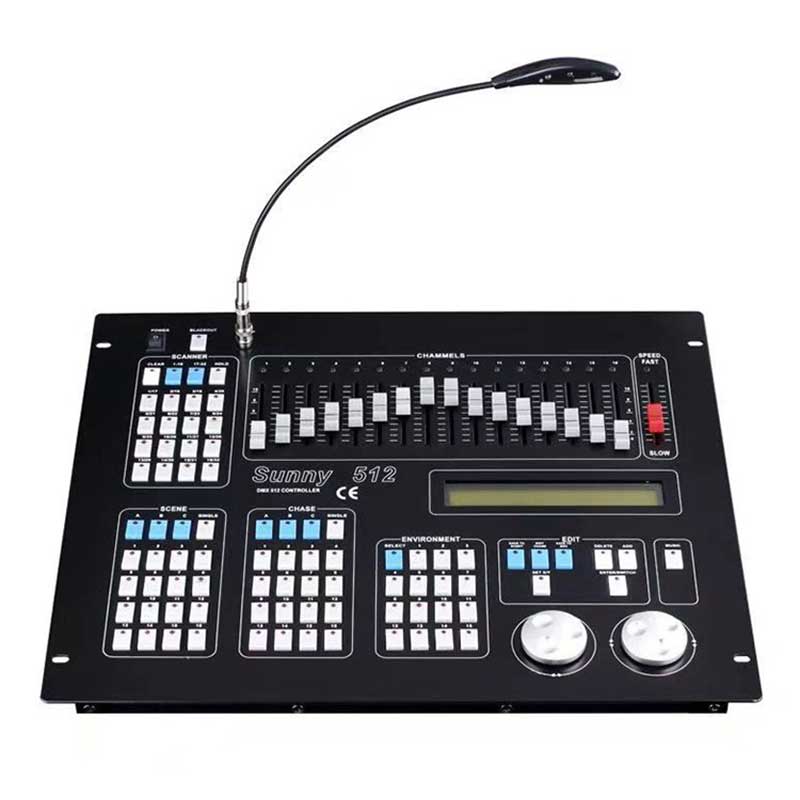
- DMX controller or software (Wolfmix, MYDMX, Freestyler, etc.)
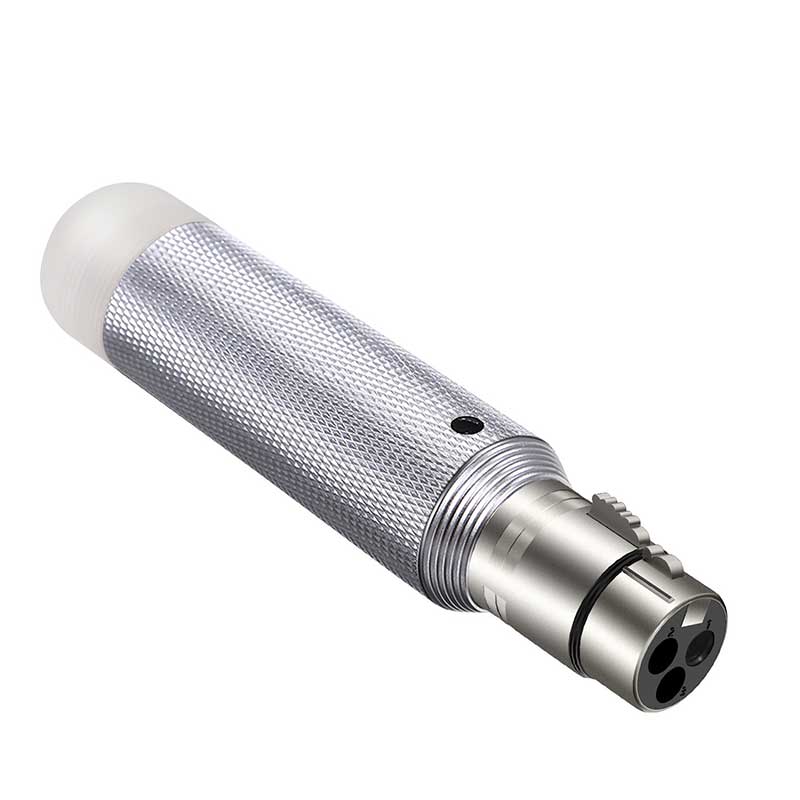
- Wireless DMX transmitter (TX)
- Wireless DMX receiver(s) or fixtures with built-in wireless DMX
- DMX-compatible lighting fixtures
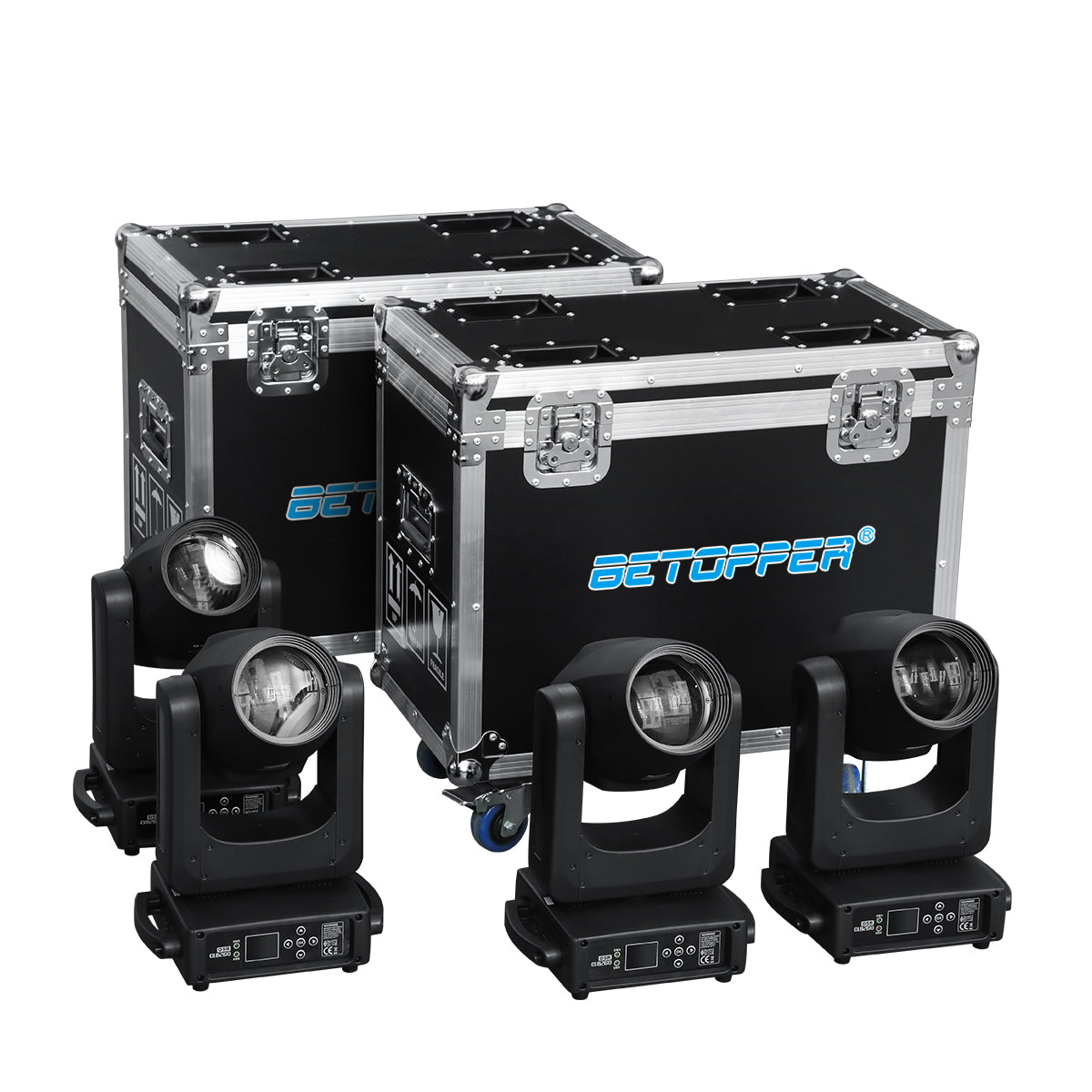
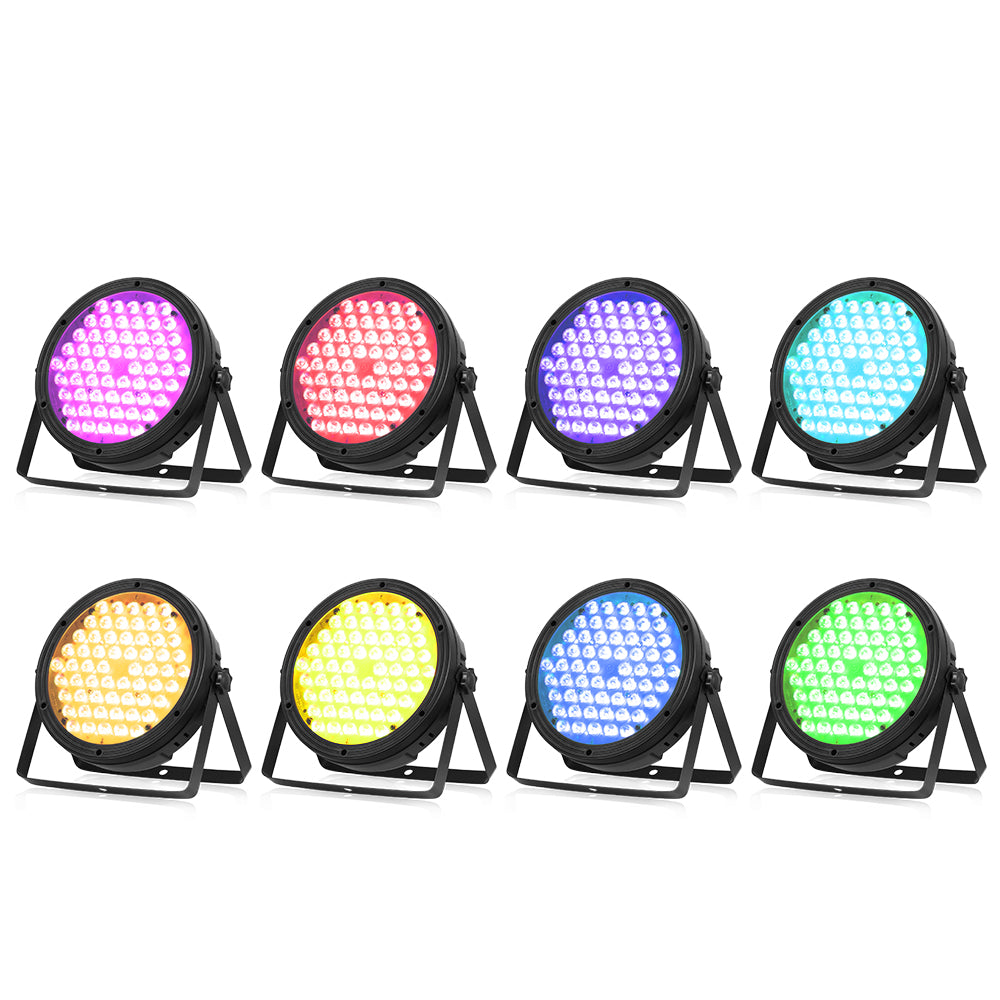
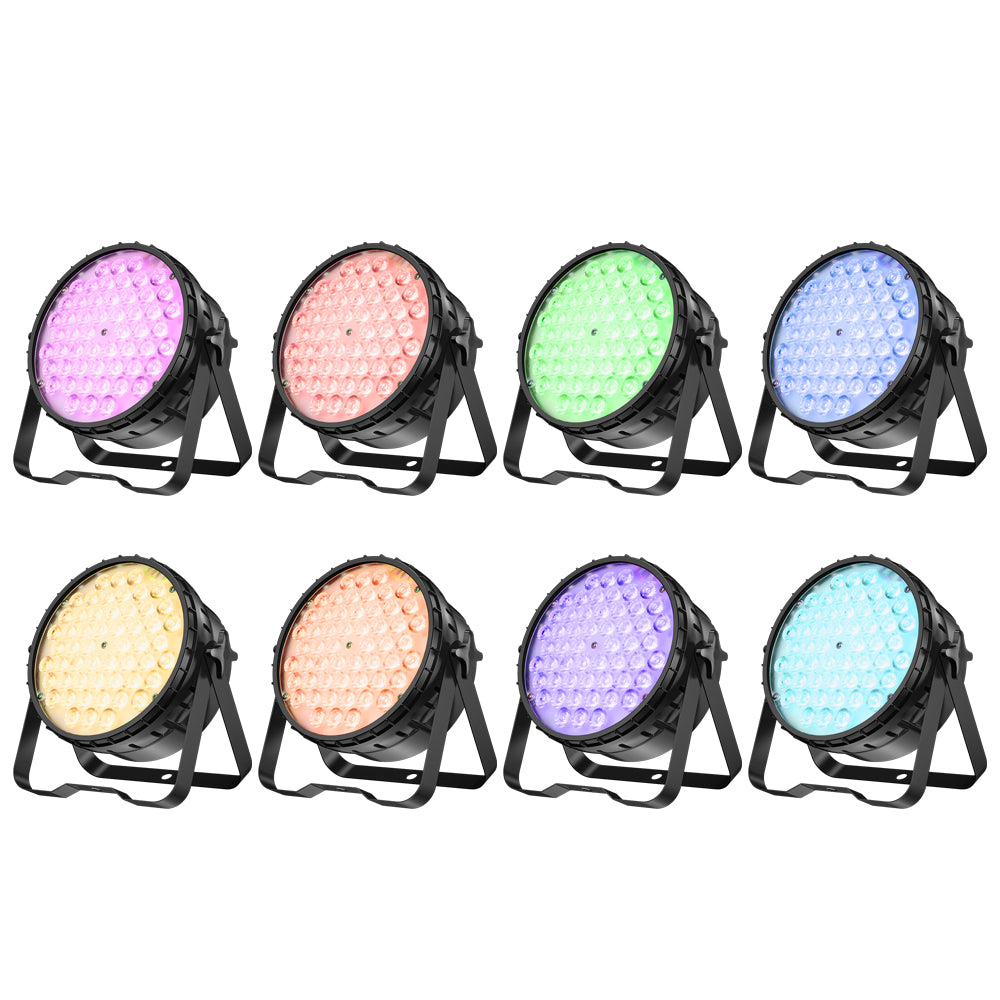
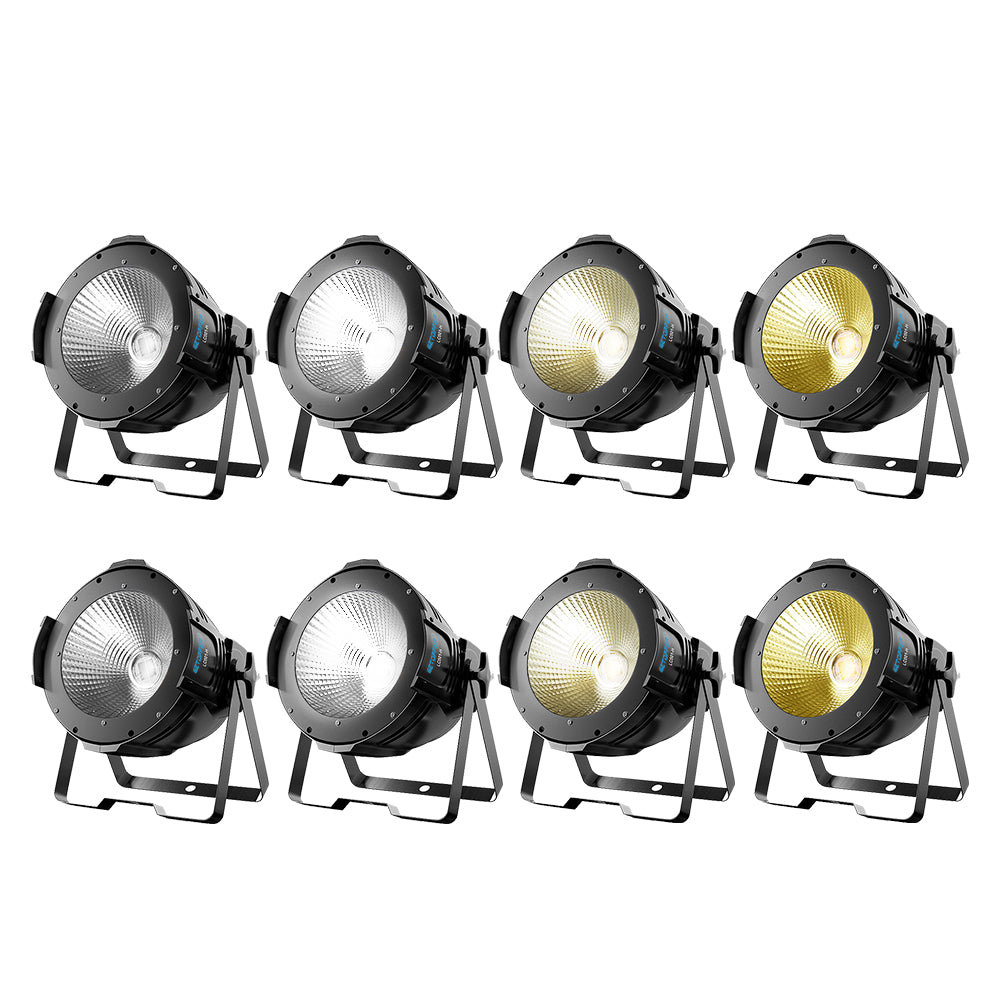
👉 Many Betopper fixtures are designed to work seamlessly in wireless DMX systems.
Explore compatible lighting solutions here: https://betopperdj.com/collections/sale
3 Common Ways to Control Multiple Lights Wirelessly
1. One Transmitter → Multiple Receivers (Most Common)
Best for: DJs, weddings, small to mid-size events
- One wireless DMX transmitter
- One receiver per fixture
- Each fixture has a unique DMX address
Advantages:
- Simple setup
- High reliability
- Easy troubleshooting
2. Wireless + DMX Daisy Chain (Cost-Efficient)
Best for: Fixtures mounted close together
- Wireless receiver connects to the first fixture
- Additional fixtures are linked via DMX cables
Advantages:
- Fewer receivers needed
- Clean and efficient for truss or bar setups
3. Fixtures with Built-in Wireless DMX
Best for: Fast setups and clean rigs
- No external receivers required
- Direct pairing with the transmitter
⚠️ Always confirm wireless protocol compatibility before mixing brands.
DMX Addressing: The Most Important Step
Incorrect DMX addressing causes most wireless DMX issues.
Basic rule:
Each fixture must have a correct, non-overlapping DMX address.
Example (16-channel mode):
| Fixture | DMX Address |
|---|---|
| Light 1 | 001 |
| Light 2 | 017 |
| Light 3 | 033 |
| Light 4 | 049 |
Use the same address only if you want fixtures to behave identically.
Step-by-Step Setup (Beginner Friendly)
- Connect your controller to the wireless DMX transmitter
- Connect receivers to fixtures (DMX IN)
- Pair transmitter and receivers to the same wireless channel
- Set fixtures to DMX mode (not Auto / Sound / Master-Slave)
- Assign correct DMX addresses
- Test control and movement
If everything is configured correctly, wireless DMX is just as stable as wired DMX.
When Wireless DMX Makes the Most Sense
Wireless DMX is ideal for:
- DJ performances
- Wedding lighting
- Churches and houses of worship
- Temporary stages
- Venues where cable runs are restricted
For professional lighting systems designed to work reliably in these environments, visit:
👉 https://betopperdj.com/

Leave a comment
This site is protected by hCaptcha and the hCaptcha Privacy Policy and Terms of Service apply.