


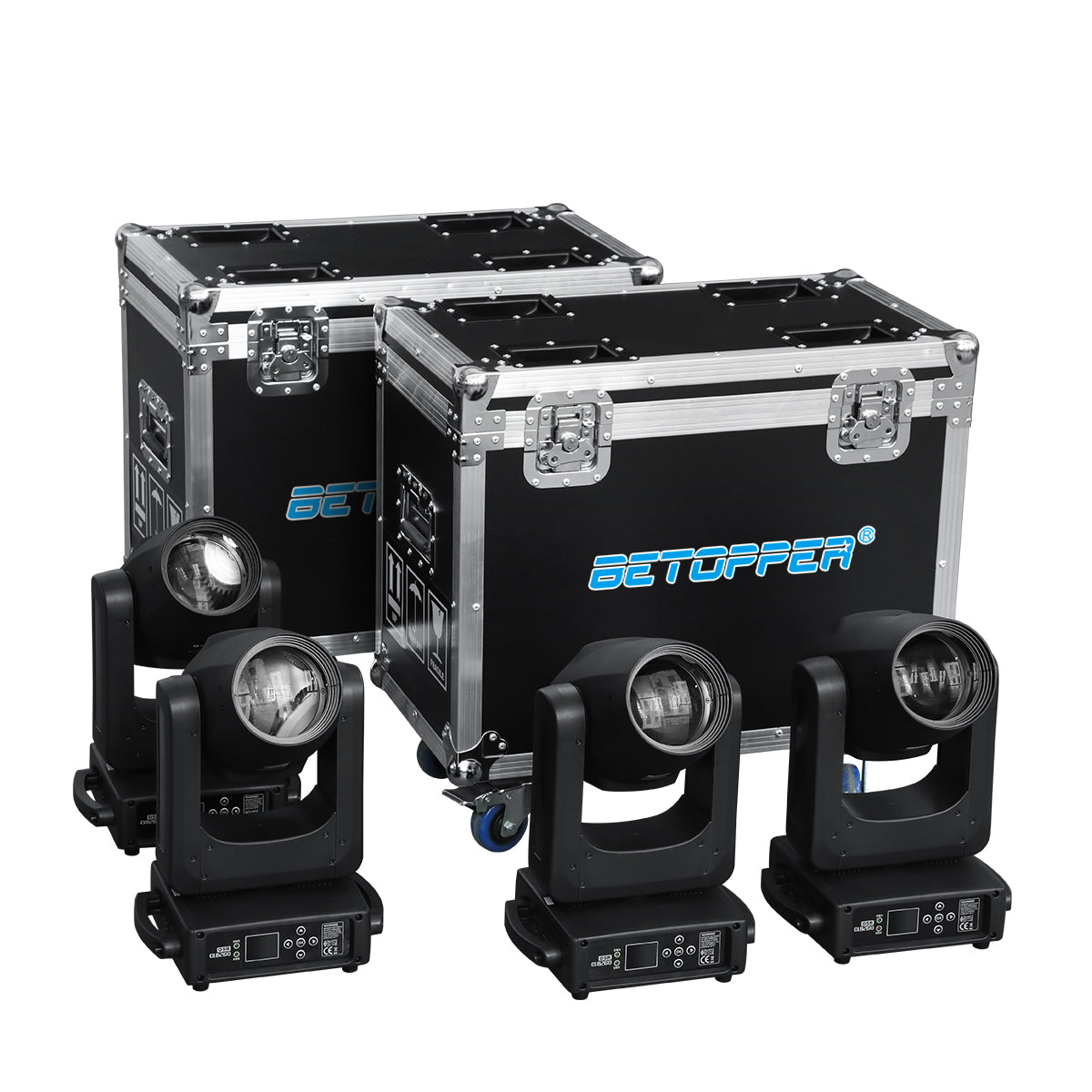

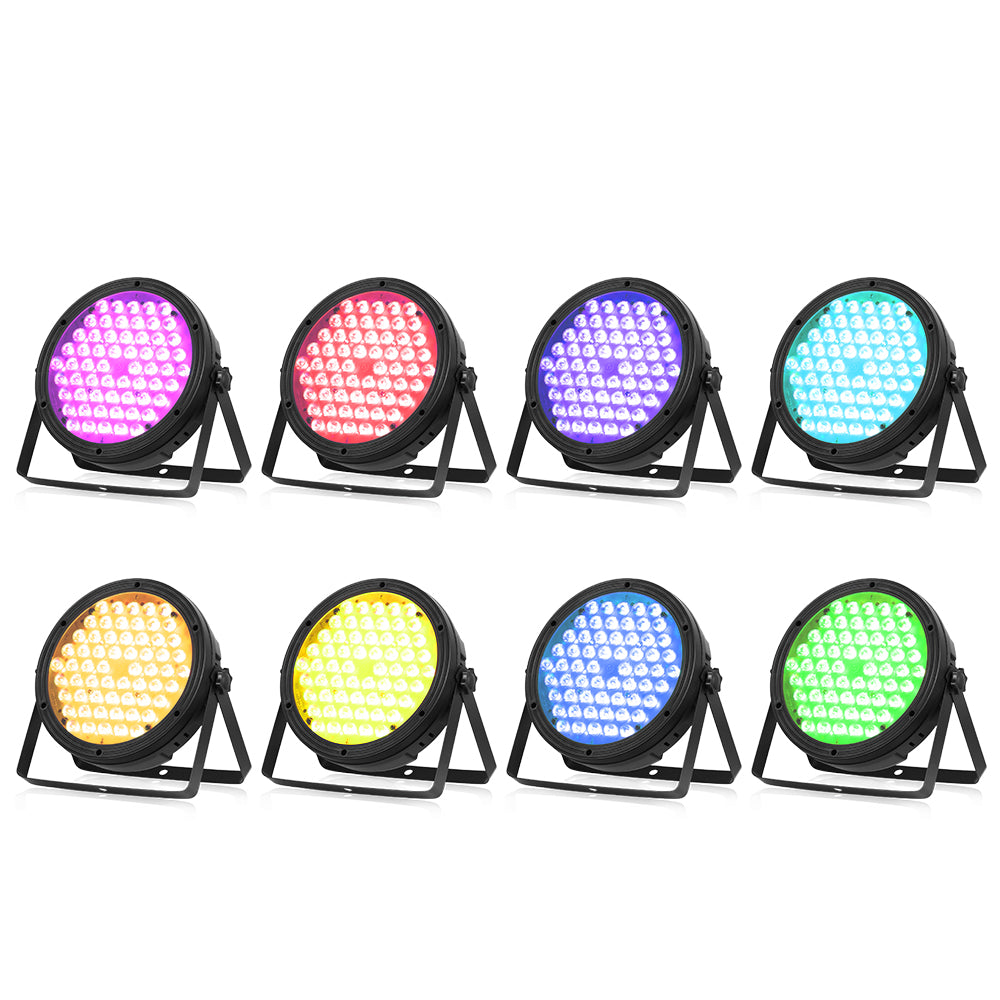
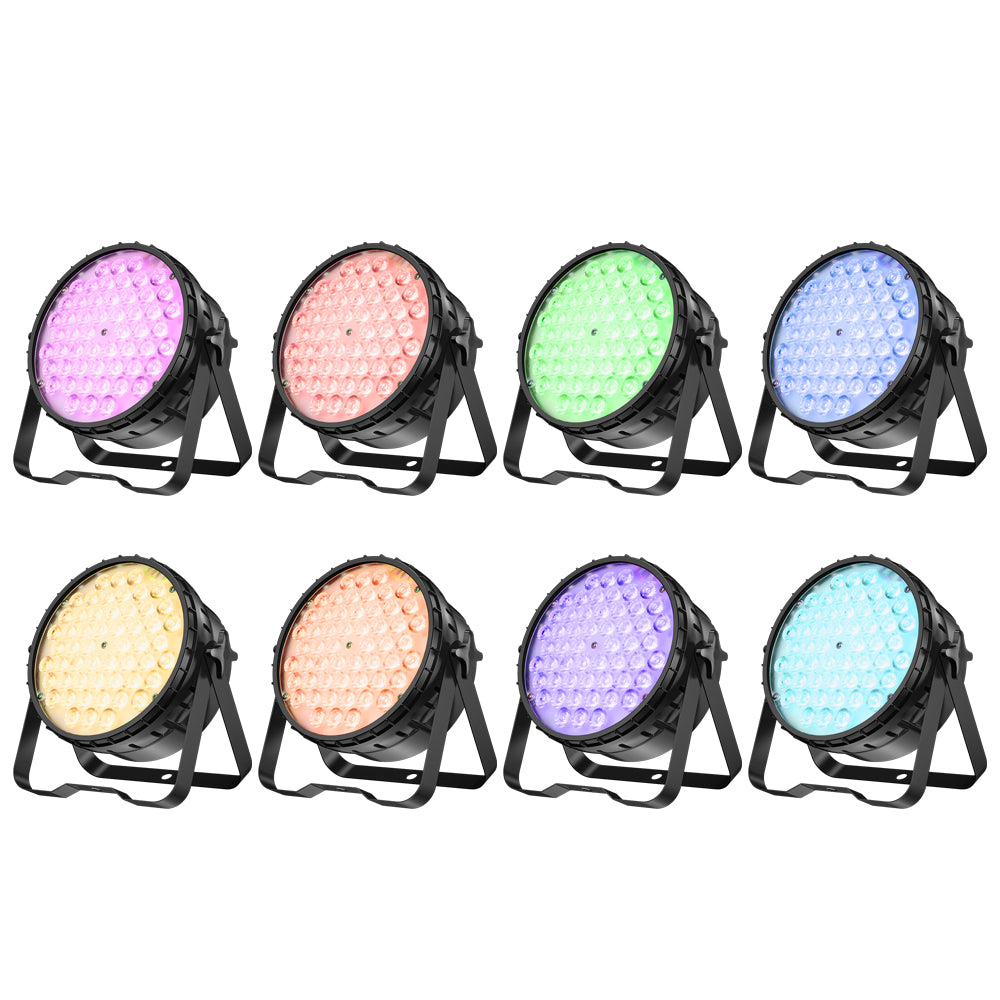
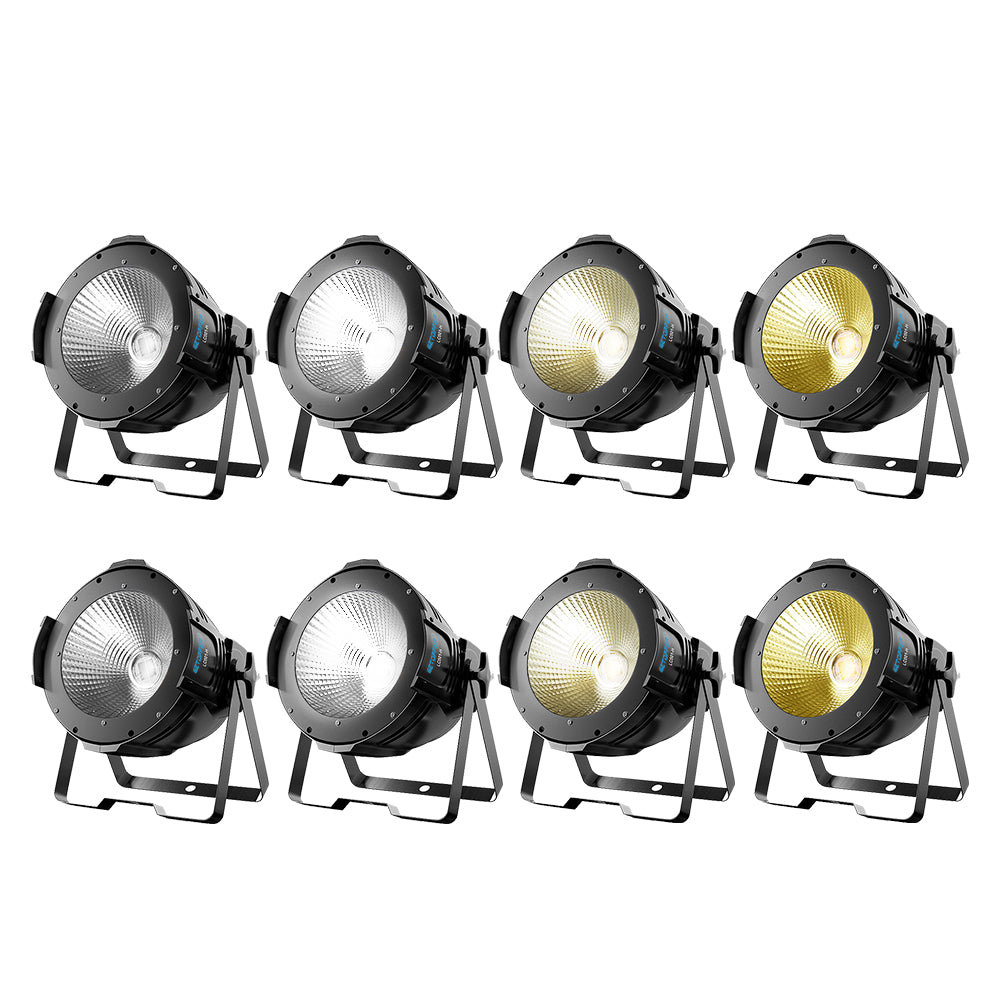
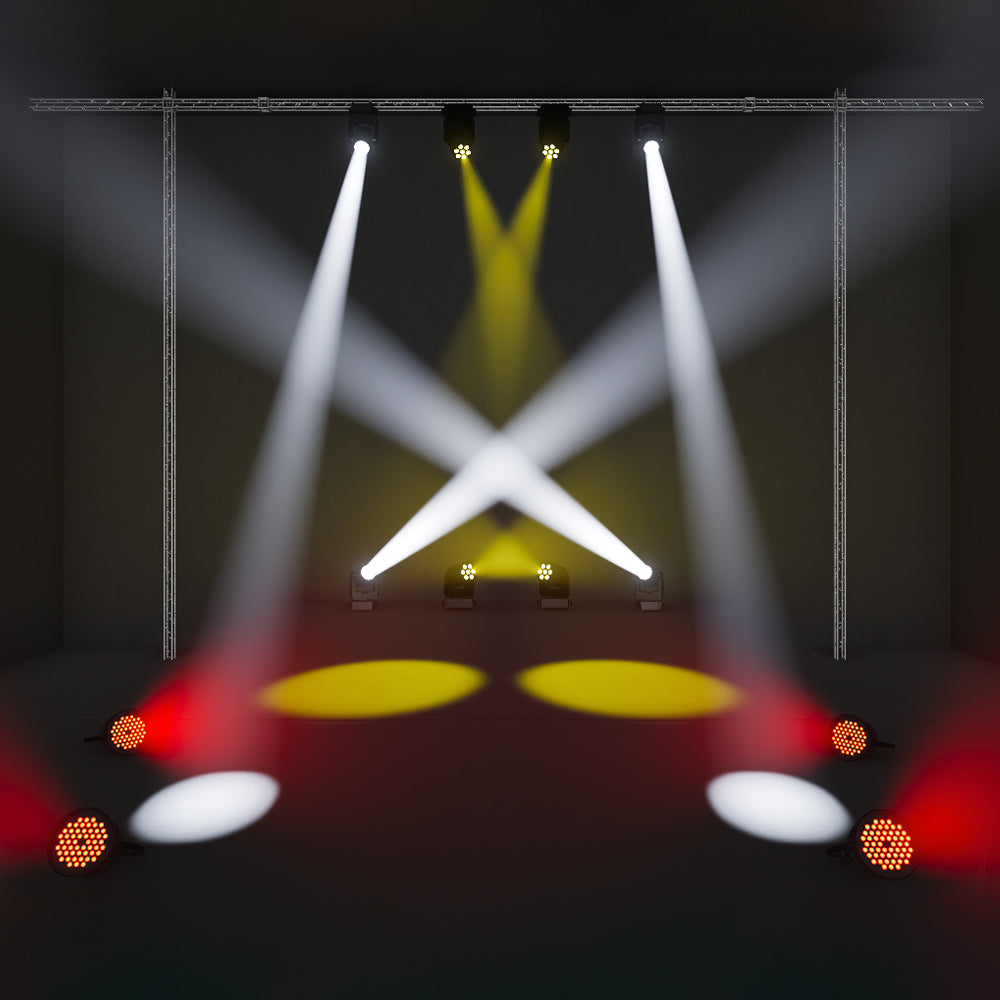





Introduction to Part 2 – From “What Looks Better” to “What to Buy”
In Part 1, we broke down how CMY, RGBW, RGBL, and RGBALC behave on stage — white quality, low-end dimming, saturation, efficiency, and programming feel. You saw why some systems look richer than others, even with similar fixture counts.
Now comes the practical question: Which one should you actually buy?
The answer is not “the best system overall.” There is no such thing. The right choice depends entirely on how you work, what your stage demands, and what your budget realistically allows.
Part 2 is built for decision-makers: rental house owners, church tech directors, touring production managers, and venue operators. We will match each color system to real-world buyer profiles. Then we will cover the 2026 game-changer — virtual CMY — and give you a simple testing checklist to verify claims before you write a check.
Let’s start with the most important question: What type of buyer are you?

Which System Fits Which Buyer?
Different buyers need different kinds of color behavior.
What works best for a rental fleet may not be the right answer for a church livestream, a touring production, or a budget-conscious venue. That is why there is no single “best” color system overall. The right choice depends on how you work, what your clients expect, and how much flexibility your budget allows.
Rental Fleet Manager – Maximizing Utilization and Resale Value
Rental is a utilization business. A fixture that sits on the shelf loses money. A fixture that works across many different jobs — outdoor festivals, indoor corporate shows, church events, and small club tours — earns its place in the inventory.
For many rental fleets in 2026, RGBL with virtual CMY is becoming one of the smartest middle-ground choices.
Why not CMY? CMY fixtures are still highly respected for premium theatre, touring, and television work, but they are usually less efficient in output and often less practical as the core of a broad rental inventory. Many rental clients are looking for bright color, clean whites, and flexible programming — not necessarily the smoothest fade in the industry.
Why not basic RGBW? RGBW still has value, but it tends to show its limits sooner when clients start asking for better skin tones, cleaner whites, and a more polished overall look.
That is where RGBL often makes sense. It usually offers better white quality and better skin tones than RGBW, often with noticeably stronger usable output, while still staying more affordable and easier to deploy than full CMY or RGBALC systems. Add virtual CMY, and the fixture becomes even easier for programmers to work with across mixed jobs.
If your fleet already includes CMY fixtures for premium clients, keep them. But for the core of a modern rental wash inventory, RGBL often offers one of the best balances of versatility, visual quality, and return on investment.
Church or Livestream Tech Director – Balancing Quality and Budget
Churches and livestream environments usually care about a very specific set of things:
- natural-looking skin tones
- clean white light
- smooth dimming
- low noise
- reliable results on camera
At the same time, budgets are rarely unlimited.
For many of these environments, RGBL is often the most practical fit.
RGBW can work when the budget is tight, but its weaknesses tend to show up quickly on faces and in camera-facing applications. Whites may feel less natural, pastels can look less refined, and the image may not feel as polished once the fixture is used beyond basic color wash.
CMY and RGBALC can both look excellent in this kind of environment, but they also come with a higher cost. Unless the venue is aiming for a more premium production standard, that extra spend may not always create a proportionate difference for the audience or the livestream viewer.
RGBL often lands in the sweet spot. It delivers noticeably better color quality than RGBW while remaining much more realistic than CMY or RGBALC for many weekly-use environments.
One important caution: always test fan noise. Some RGBL fixtures are designed with club and festival use in mind, and they may be too loud for a quiet sanctuary or speech-heavy room.
Touring Production Company – When Only the Best Will Do
Touring is where visual quality becomes much less forgiving.
In this world, the question is not just whether the fixture looks good. It is whether it still looks good under pressure — across slow fades, camera moments, skin tones, cue stacks, and repeatable programming.
For high-end touring work, especially when broadcast, IMAG, or theatrical nuance is involved, CMY and RGBALC are usually the leading contenders.
CMY remains the reference point for many designers because of its smooth fades, stable low-end behavior, natural skin tones, and familiar color language. It is still the system many people trust when color refinement matters more than raw efficiency.
RGBALC has become increasingly competitive because it combines a broader LED-based color engine with more premium additive color behavior. It can offer wider gamut, stronger warm tones, and more flexibility in mixed-color looks, especially when implemented well.
The choice between CMY and RGBALC often comes down to workflow and visual preference.
- CMY tends to feel more established and more naturally trusted in refined touring environments
- RGBALC tends to feel more forward-looking and more flexible when a production wants one advanced LED system to cover as much territory as possible
RGBL can still be useful in touring, especially where budget, quantity, or fixture role matters. But in top-tier touring applications, it is more often the practical compromise than the first-choice solution.
Budget-Conscious Venue – Is RGBW Still Worth It in 2026?
Yes — in the right context, it still can be.
RGBW is not obsolete. It is simply no longer the automatic answer for every application.
For a budget-conscious venue, the real question is not whether RGBW is “acceptable” in theory. It is whether it is acceptable for the kind of work the venue actually does.
If the venue mainly needs:
- broad color wash
- strong visual punch
- practical output
- simple operation
- a manageable purchase price
then RGBW can still be a sensible option in 2026.
Where RGBW becomes harder to defend is when the venue also wants:
- flattering white light on people
- better livestream or camera results
- more refined pastel looks
- smoother low-end fades
- a more polished house look overall
That is where RGBL starts to become a more future-proof investment, even if the initial price is somewhat higher.
If the budget absolutely cannot stretch to RGBL, RGBW can still work — but avoid buying purely on the lowest price. Look for fixtures with decent CRI, stable dimming, and better overall color behavior, then test them before committing to a full order.
The 2026 Game-Changer: Virtual CMY on RGBL Fixtures
Virtual CMY is not new in concept, but in 2026 it has become much more usable across mid-range and even some entry-level LED fixtures.
What Virtual CMY Actually Does (And Why It Matters for Programming Speed)
Traditional CMY mixing uses physical flags, moving filters in and out of the beam. Many lighting designers learned on that workflow and still find it intuitive.
RGBW and RGBL fixtures work differently. They generate color by mixing LED emitters directly. While that works well for simple looks, more precise color adjustments can sometimes feel slower or less intuitive when everything has to be built from individual emitter values.
Virtual CMY helps bridge that gap. It gives an additive LED fixture a CMY-style control workflow, so the programmer can work with the fixture more like a native CMY unit — even though the color is still being generated by RGB or RGBL emitters underneath. This is exactly how many current LED fixtures position the feature: as a Virtual CMY mode that allows control alongside native CMY fixtures using hardware or software CMY color picker tools.
The advantage is practical:
- faster access to mixed colors
- fewer workarounds during programming
- a shorter learning curve for programmers who prefer CMY logic
- easier integration into mixed rigs that already include CMY fixtures
For rental fleets, that matters because a fixture that feels familiar to more programmers is easier to deploy across a wider range of jobs. That workflow value is one reason virtual CMY has become a much more serious buying point.
How to Verify if a Fixture Has True Virtual CMY (Not Just a Marketing Label)
Not all virtual CMY implementations are equally useful. Some genuinely improve workflow. Others may add the label without delivering meaningful workflow improvement.
Here is how to check:
-
Ask for a demo or recorded programming example.
Put the fixture in its Virtual CMY mode and run a slow, continuous fade across color space — for example, from deep red toward blue through the middle of the wheel. A useful implementation should feel smooth and predictable, not jumpy or awkward. -
Check the manual and DMX mode list.
Look for a real Virtual CMY DMX Control Mode, not just a few preset color macros. Several current RGBL fixtures explicitly list Virtual CMY modes in their user-facing documentation. -
See whether it works with CMY picker/palette tools.
One of the clearest signs that the feature is meaningful is whether the fixture is designed to work alongside native CMY fixtures through hardware or software CMY color pickers. That is exactly how some manufacturers describe the feature. -
Test slow crossfades, not just static colors.
A good virtual CMY mode should help the path through color feel clean. If the fade becomes uneven or visibly awkward in the middle, the implementation may be less useful than it sounds.
The simple rule is this: do not accept the phrase “virtual CMY” as proof by itself. Verify how it behaves in real programming.
Real-World Testing – What to Check Before You Buy
You have read the comparisons. You have mapped the systems to your buyer profile. Now comes the part that separates good buying decisions from expensive mistakes: real-world testing.
Spec sheets are useful. Marketing materials are informative. But neither one tells you how a fixture will behave at 3% intensity in a slow fade, or how its whites will look next to another unit from the same batch.
Before you sign a purchase order for a new batch of RGBL, RGBALC, or even CMY fixtures, run these three simple tests. They will reveal more about the fixture’s real performance than any datasheet.
Test 1: The White Card Test (CRI and TLCI Without a Meter)
You do not need a $5,000 spectrometer to spot bad color rendering.
What to do:
Take a standard white card (or a piece of good quality white paper). Place it at a typical throw distance for your venue. Point the fixture at it. Set the fixture to a neutral white output — around 5000K–5600K if adjustable, or whatever the fixture calls its “pure white” setting.
What to look for:
- Does the white look clean, or does it have a tint — pink, green, yellow, or blue?
- Compare two or three fixtures of the same model side by side. Do their whites match, or are they visibly different?
- Dim the fixture slowly from 100% down to 5%. Does the white stay neutral, or does it shift color as it dims?
Why this matters:
If the fixture cannot produce clean, consistent white at full output, it will not magically improve on stage. And if whites drift between fixtures, your rig will look messy in any scene that uses white or pastel colors.
Red flag: White that looks obviously pink or green, or fixtures that do not match each other.
Test 2: The Slow Fade Test (Low-End Dimming Quality)
Many fixtures look great at 100%. The weak ones reveal themselves at the bottom of the dimming curve.
What to do:
Program a slow, linear fade from full output (100%) to zero over 10–15 seconds. Watch the fixture’s beam carefully as it approaches the lower end — especially below 10%.
What to look for:
- Does the fade stay smooth, or does it become jumpy or step-like?
- Does the color stay stable, or does it drift (e.g., white turning pink or green, saturated colors shifting hue)?
- Does the fixture dim to zero cleanly, or does it cut out abruptly or leave a faint glow?
Do the same test with a few different colors — white, a medium blue, a red. The goal is to see how the fixture handles low intensities across its color range, not just in one look.
Why this matters:
Slow fades are everywhere in live production: blackouts, crossfades between songs, atmospheric transitions, and prayer moments in worship services. If the fixture looks bad in these moments, it will undermine the entire production.
Red flag: Steppy dimming, color shifting at low levels, or the fixture refusing to dim below 5–10% without jumping to zero.
Test 3: The Mixed Rig Test (Unit-to-Unit Consistency)
You rarely buy a single fixture. You buy a batch. The consistency between units is just as important as the performance of any one unit.
What to do:
Set up three to five fixtures of the same model side by side. Run them through a sequence of color presets:
- Full white (tungsten and daylight, if the fixture offers both)
- Primary red, green, blue
- A couple of pastel colors (e.g., light lavender, pale amber)
- A slow crossfade from one color to another
What to look for:
- Do all fixtures produce the same color when given the same DMX values?
- Are there any fixtures that look obviously warmer or cooler in white?
- Do the fixtures track together through the crossfade, or do some lag behind or change color at different rates?
Why this matters:
In a real rig, mismatched fixtures are immediately obvious to a trained eye. They break the illusion of a unified stage picture and make the lighting look amateurish.
Red flag: Any fixture that clearly stands out from its siblings.
Bonus: The Fan Noise Test (For Quiet Venues)
If your venue is a church, theater, or broadcast studio, fan noise can be a dealbreaker.
What to do:
Place the fixture in a quiet room. Run it at various intensities — full output, medium, and low. Listen.
What to look for:
- Is the fan noise constant and unobtrusive, or does it change pitch and speed frequently? (Varying fan noise is often more distracting than a steady hum.)
- Can you hear the fixture from 10–15 feet away in a quiet space? (That is roughly the distance from a stage to the first few rows or a camera microphone.)
Why this matters:
Some fixtures use aggressive fan curves to keep LEDs cool. Those fans can be loud enough to be picked up by microphones or distract audiences during quiet moments.
Red flag: Fixtures that sound like a small vacuum cleaner or constantly ramp fans up and down.
What to Do With These Test Results
Use the results to filter your options, not just to negotiate price.
- If a fixture fails any of these tests — especially white consistency or low-end dimming — remove it from your shortlist. No amount of price reduction will fix bad behavior.
- If a fixture passes all three tests cleanly, it will likely serve you well for years, regardless of what the spec sheet claims.
- Share the test results with your vendor. Serious suppliers will appreciate your diligence and may offer better support or calibration options.
In the next section, we condense everything into a Final Checklist – 7 Questions to Ask Your Vendor before you sign the purchase order.
Final Checklist – 7 Questions to Ask Your Vendor
By now, you understand how different color systems behave, which ones fit different buyer profiles, and what to test before committing. Before you sign a purchase order or send a wire transfer, run through this final checklist with your vendor.
These seven questions help separate serious suppliers from those who simply ship boxes. More importantly, they help protect you from expensive surprises after the fixtures arrive.
1. What is the real CRI/TLCI at the white points I will actually use?
Some vendors quote the highest CRI they can achieve at one optimized color temperature. That number may not reflect the way the fixture performs in real use.
Ask for CRI and TLCI values at the white points that matter to your work — typically around 3200K and 5600K. If the fixture uses RGBL, RGBALC, or virtual CMY, ask how that affects white quality and color rendering in mixed-color use.
Why it matters:
A fixture that reaches 90 CRI at one white point but drops much lower at another may still be a poor choice for front light, livestream, or camera-facing work.
2. Can you provide photometric data for the beam angles I actually care about?
Raw lumen numbers do not tell the full story. Output only becomes meaningful once you know how the light is distributed.
Ask for:
- candela or photometric data at narrow, medium, and wide zoom positions
- IES files, if available
- any real throw data the vendor can provide for the beam angles you plan to use
Why it matters:
You are not just buying brightness. You are buying usable output at real distances and real zoom settings.
3. How do you ensure color consistency from unit to unit?
A fixture may look good on its own and still create problems when multiple units are hung together.
Ask whether the manufacturer:
- bins LEDs carefully
- performs white-point calibration at the factory
- checks batch consistency before shipping
- can explain how closely units are expected to match in a professional rig
Why it matters:
If ten fixtures look visibly different from each other, the rig will never feel clean or unified — no matter how good the fixture looks in isolation.
4. What does the dimming curve actually look like?
Many budget fixtures look acceptable at full output and weak at the bottom of the dimming range.
Ask whether the fixture offers:
- smooth dimming down to low intensity
- selectable dimming curves
- 16-bit dimming, if relevant
- a real demo of a slow fade from 100% to 0% in neutral white
If they cannot show it live, ask for a video.
Why it matters:
Bad dimming ruins slow crossfades, blackouts, and any cue that depends on subtle intensity control.
5. What is the real fan-noise behavior in operation?
Many datasheets list a single noise figure, but that does not always reflect real use.
Ask for:
- dBA levels at 1 meter, if available
- noise behavior at startup, after warm-up, and after longer operation
- whether the fixture has multiple fan modes
- honest guidance on whether it is suitable for church, theatre, or broadcast environments
Why it matters:
A fixture that sounds acceptable in a loud demo space may still be distracting in a sanctuary, theatre, or studio.
6. What warranty and after-sales support do you actually provide?
Warranty length matters, but support matters more.
Ask about:
- warranty period
- local service options in your region
- spare parts availability
- lead time for common replacement parts
- firmware updates
- technical support for troubleshooting and setup
Why it matters:
A fixture is only a good value if it can stay in service. Downtime costs money, especially in rental, venue, and production environments.
7. Can you supply a demo unit — and what happens if the fixture does not perform as expected?
Any confident vendor should be willing to help you evaluate the product in a real environment.
Ask for:
- a demo unit or sample loan
- access to an existing installation using the same model
- written return terms
- restocking conditions
- who pays return shipping
- the time window for evaluation
Why it matters:
The best datasheet in the world still does not replace seeing the fixture with your own console, your own room, and your own eyes.
FAQ – Quick Answers to Common Purchase Questions
1. What’s the real difference between RGBL and RGBW?
RGBL usually improves white quality, skin tones, and mixed-color smoothness compared with standard RGBW. For many buyers, it feels like a more polished and more future-proof version of RGBW.
2. Do I need to re-learn programming if I switch to RGBL?
Not necessarily. If the fixture supports Virtual CMY well, it can feel much more familiar to programmers who are used to CMY-style color control.
3. For a church or livestream setup, do I really need RGBALC, or will RGBL do?
For many church and livestream environments, RGBL is often the better balance of cost and quality. RGBALC can look better, but the price jump is not always justified unless the production standard is especially high.
4. What should I physically test before buying a batch of fixtures?
At minimum: test white consistency, slow fades below 10%, and unit-to-unit matching. Those three checks will reveal more than most spec sheets.
Final Thoughts – Rich Color Is No Longer Reserved for the Highest Budget
The best color system is not the one with the most impressive label. It is the one that fits your workflow, your venue, and the kind of shows you actually produce.
In 2026, buyers have more real choices than ever. CMY still leads in refined fades and premium color behavior. RGBALC offers the broadest and most advanced LED color range. RGBL has become one of the most practical upgrade paths for buyers who want better whites, better skin tones, and more flexibility without jumping all the way to top-tier pricing.
If you are planning your next fixture upgrade, explore the Betopper website to compare stage lighting solutions built for real-world use across rental, worship, events, and live performance.



Leave a comment
This site is protected by hCaptcha and the hCaptcha Privacy Policy and Terms of Service apply.